Simply Sharepoint
Document Library Structure & Metadata Decision Toolkit
Document Library Structure & Metadata Decision Toolkit
Couldn't load pickup availability
Take the Guesswork Out of SharePoint Library Planning
Stop creating inconsistent libraries that confuse users and waste time.
The Document Library Structure & Metadata Decision Toolkit gives you clear, actionable guidance for structuring SharePoint libraries — and deciding when to use folders, metadata, or both.
A practical toolkit for structuring SharePoint libraries with decision charts, metadata planning guides, and ready-to-use metadata for HR, Finance, Projects, and more. Build smarter, searchable, scalable SharePoint spaces with ease.
What's Inside
Metadata Decision Cart
A visual flowchart that helps you choose between folders, metadata, or hybrid structures — so your libraries stay logical and scalable.
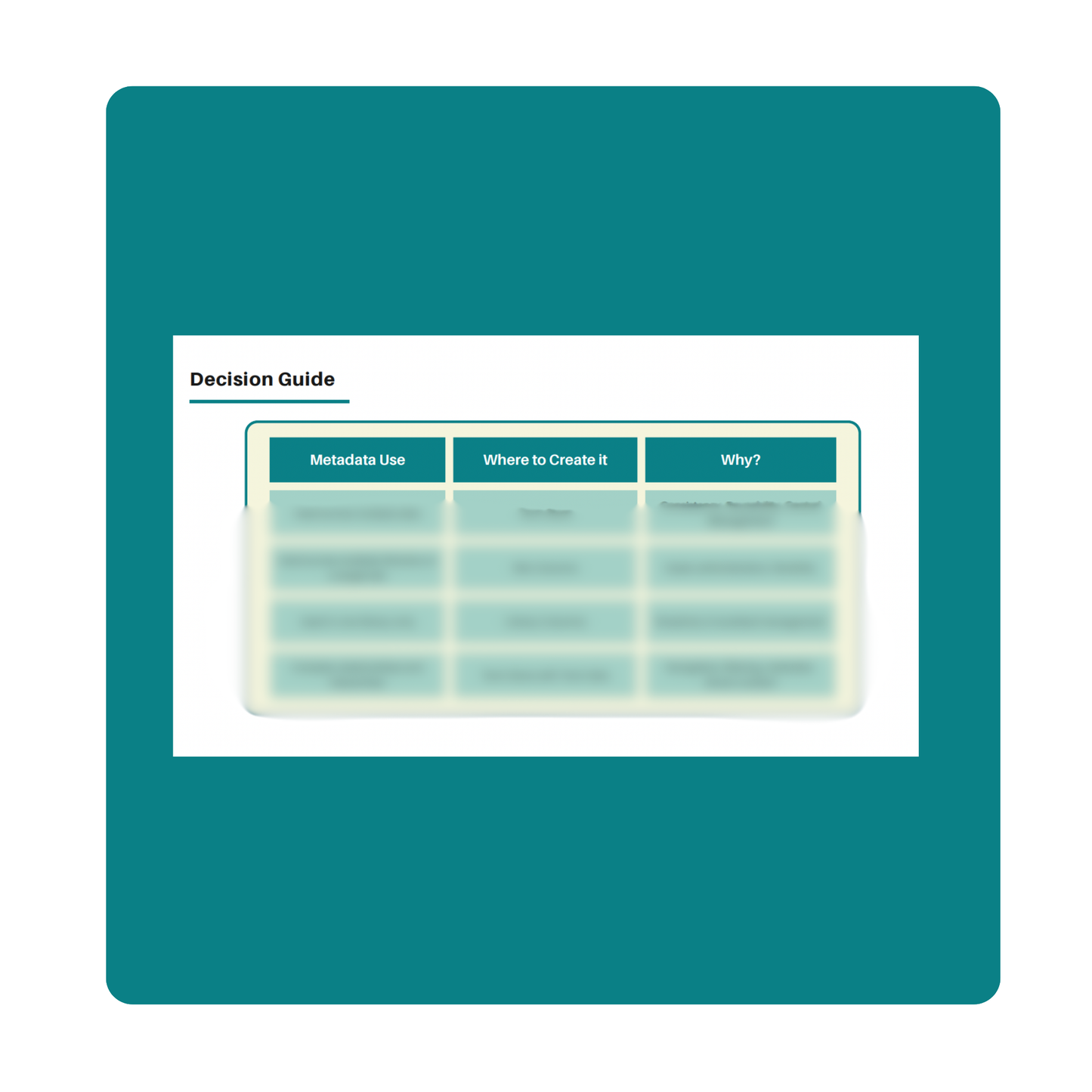
Decision Table Reference Guide
Step-by-step recommendations on where and how to create metadata (Library Columns, Site Columns, or Term Store) and when to use each approach.
Ready-to-Use Metadata Examples
Pre-built examples for HR, Finance, Projects, and Marketing, so you can see how metadata works across real-world scenarios.
Common Column Templates
Lists of essential metadata columns to include across sites — from Document Type and Department to Topic and Project Status.
Governance Tips & Best Practices
Guidelines for planning, indexing, and maintaining libraries as your organisation scales.
Overview
If you’ve ever struggled to answer “Should we use folders or metadata?” — this toolkit gives you the clarity you need.
It walks you through how to plan, structure, and standardise your SharePoint document libraries using a simple visual decision framework.
You’ll learn when to use metadata columns, how to scale your design for growth, and how to keep libraries searchable and Copilot-ready.
This toolkit is designed for anyone responsible for setting up, cleaning up, or optimising SharePoint libraries — without the jargon or the endless trial-and-error.
Why It Works
This toolkit simplifies metadata planning — a task that’s often ignored until it’s too late.
You’ll go from disorganised, ad-hoc structures to clean, standardised libraries that scale effortlessly.
It’s built on 20 years of real-world SharePoint experience — used in organisations that needed clarity fast.
The frameworks inside have been tested across hundreds of libraries, ensuring your setup works from day one.
Who It's For
- SharePoint site owners and admins
- IT and records managers
- Project leads setting up new libraries
- Anyone building or restructuring SharePoint sites
If you’re planning to roll out new libraries or prepare your environment for Copilot, this toolkit gives you the roadmap.
Results You Can Expect
✅ Consistent, scalable SharePoint libraries
✅ Faster document retrieval with clear metadata structures
✅ Improved search, filters, and views
✅ Reduced duplication and user confusion
✅ A solid foundation for AI-ready content
What's Included
- 1 downloadable PDF
- Metadata decision chart and table
- Example metadata column lists
- Real-world scenarios and quick-reference guides
Share